
Your visa photo, done right.
Upload one clear selfie. VisaPhoto creates a studio-style portrait with a plain background, then checks its framing and visual quality. Review the result against your issuing authority's rules before submitting.
- Free preview · download $2.00
- Framing checks
- Visa and passport formats
- Private saved photos
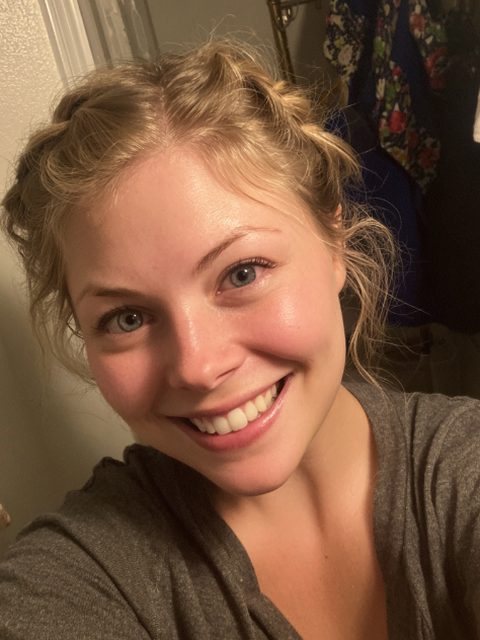 Selfie
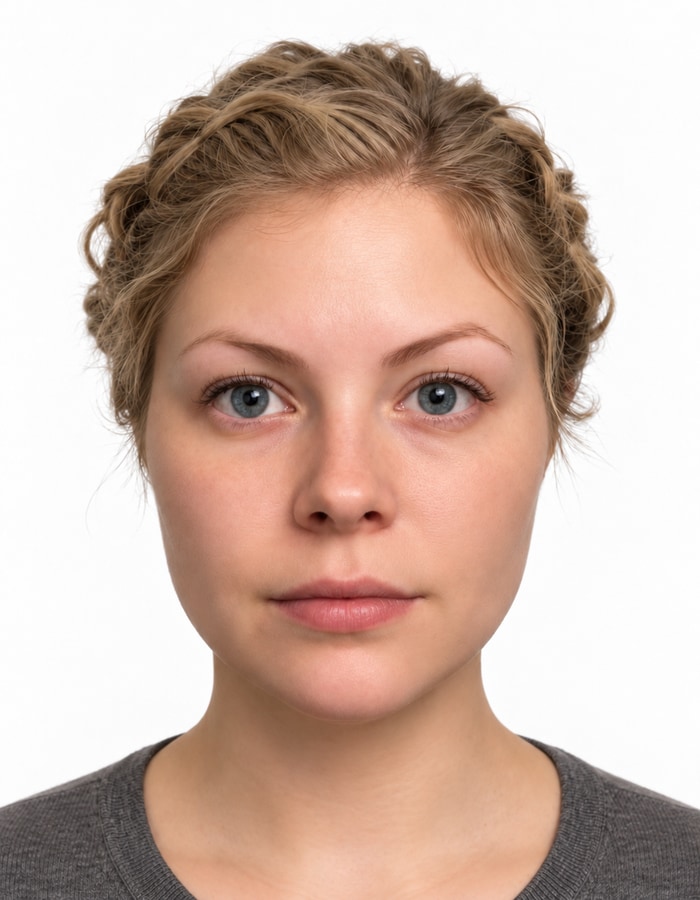
Selfie to photo
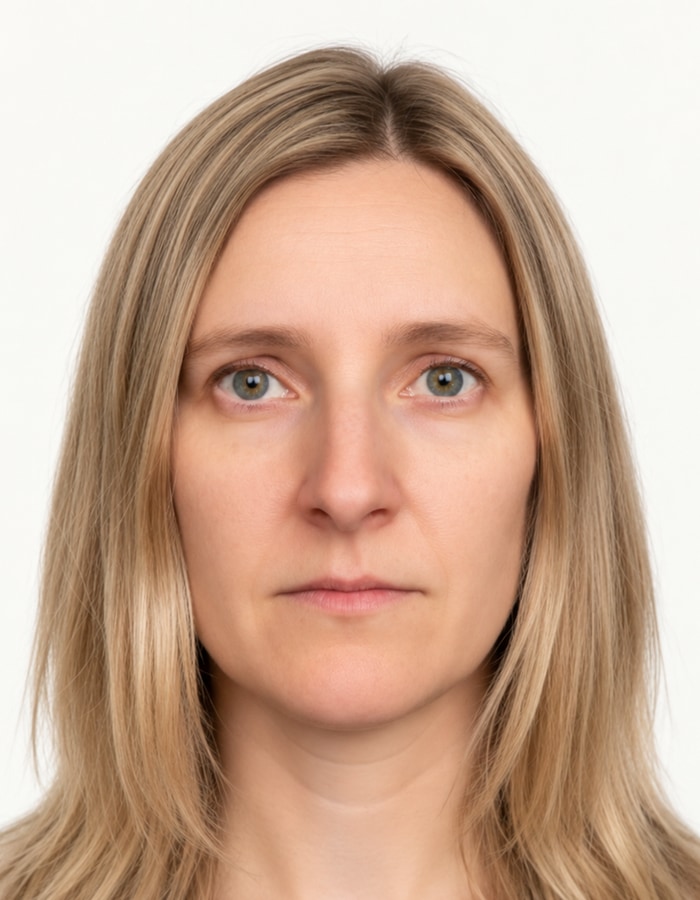
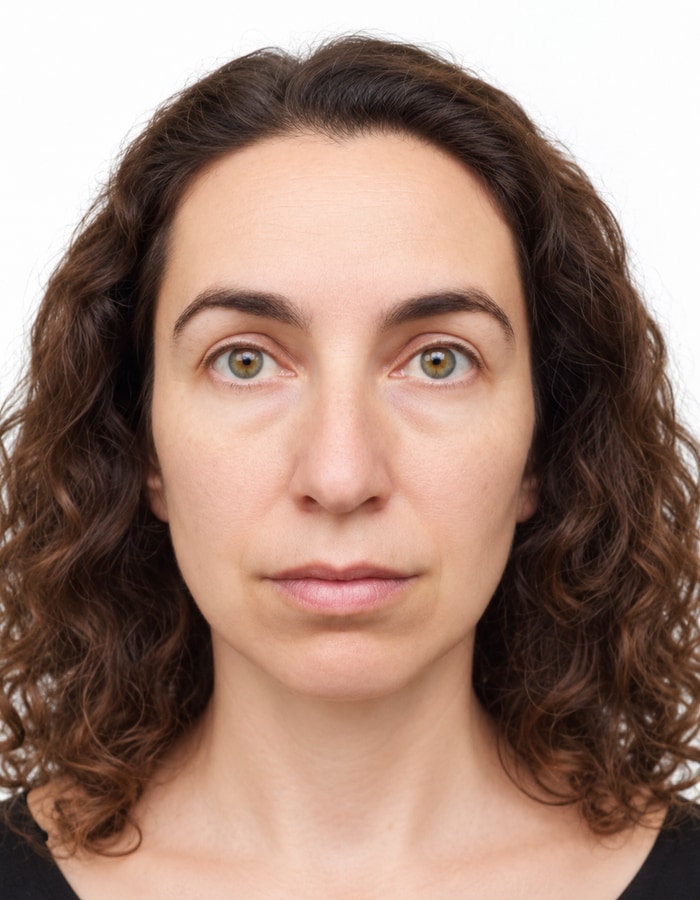
Illustrative examples in a 35 × 45 mm frame. Selfies are shown in full; the finished examples have been reframed for this gallery.
Selfie
Photo example
Selfie
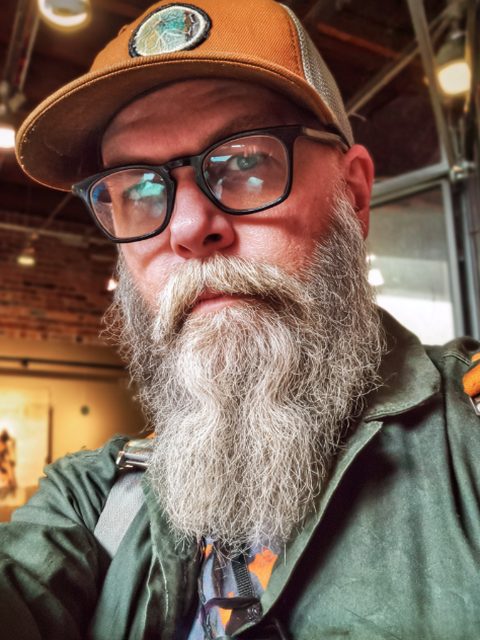
Photo example
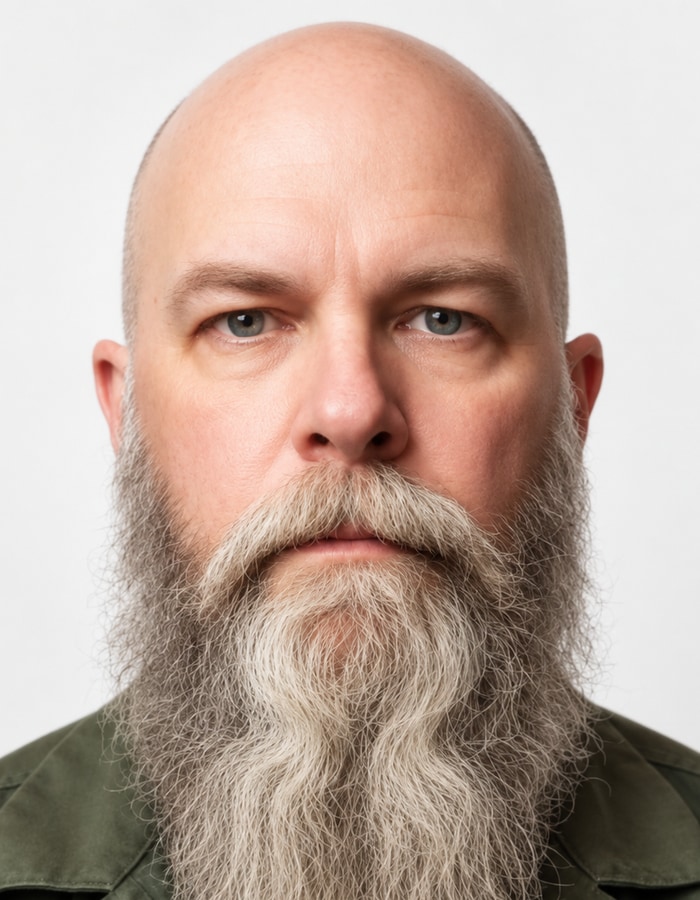
Selfie
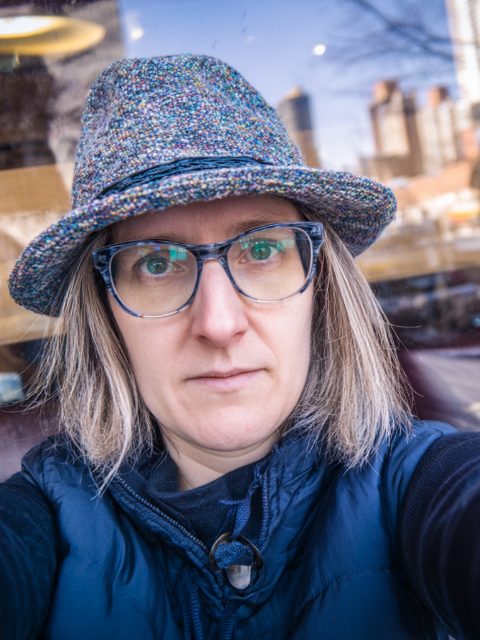
Photo example
Selfie

Photo example
How it works
Four steps from your selfie to a downloadable photo. Nothing to install.
- 1
Pick the format
Select a visa or passport, then the destination and application format. Check the current requirements of the embassy or agency before submitting.
- 2
Upload a selfie
Any recent, front-facing photo. Large phone photos are shrunk in your browser first.
- 3
Generate and check
AI creates a portrait from your reference. Face measurements, framing and visual quality are checked; uncertain results are held back.
- 4
Review and download
See your finished photo with a watermark for free, without an account. Download it without the watermark for $2.00, or get the family pack of 4 photos for $5.00.
Measured, not guessed.
Each format has its own framing guidance. Face landmarks and the visible head boundary guide the crop; they estimate, rather than directly measure, anatomical crown height. Automated checks do not cover every authority rule, so compare your photo with the official guidance before submitting.
Schengen Visa
35 × 45 mm
United States
600 × 600 px
United Kingdom
35 × 45 mm
All photo formats
- Schengen visa photo: size and requirements
- US visa photo requirements for the digital upload
- US passport photo size and requirements
- UK passport photo size and requirements (printed photos)
- Canada visa photo requirements (temporary resident visa)
- Canada passport photo size and requirements
- China visa photo size and requirements for the digital upload
- China passport photo size and requirements
- India e-Visa photo size and requirements
- India passport photo size and requirements (Passport Seva upload)
- Türkiye passport photo size and requirements
Good to know
Is the result guaranteed to be accepted?
No automated tool can guarantee acceptance. Technical checks cover framing and image quality. Always compare the final photo with the current guidance of the embassy or agency.
What happens to my photo?
Third-party AI services process your upload with your consent. For every photo request, your uploaded photo and the generated photo are kept privately for up to 6 months for error analysis and quality improvement; only authorized VisaPhoto personnel can see them, and they are deleted automatically after 6 months, or earlier with your account. If processing fails, the rejected candidates are kept the same way, and if you do not buy a preview, a small copy for at most 7 days for internal review. Successful outputs are stored privately until you delete them or your account is inactive for six months. Providers have their own retention policies.
What does it cost?
The preview is free and needs no account. Downloading your photo without the watermark costs $2.00; the family pack of 4 photos costs $5.00. There is no free download. A photo that fails our checks is never charged.
Can I print the photo?
Print formats, such as 35 × 45 mm, are cropped to that size, and both downloads are tagged to print at exactly that size at 100 % scale. Digital-upload formats are pixel files for online applications; their millimetres are only a 300-DPI equivalent. Some authorities require a studio or professional print, so check their print rules before ordering prints.