
India passport photo size and requirements (Passport Seva upload)
The Passport Seva upload guidance asks for a colour photo of 630 × 810 pixels on a white background, showing the full head and upper shoulders. The face should occupy 80–85% of the photograph, and the image must be unaltered. This is a passport upload, not the square India e-Visa photo.
Photo size & positioning
Photo requirements
- Image size
- 630 × 810 px, colour
- Face size
- Face occupies 80–85% of the photo; check manually
- Framing
- Full head and upper shoulders visible
- Background
- Plain white
- File size
- Follow the portal or your mission; VisaPhoto keeps exports under 250 kB as a cautious internal limit
- Editing
- Unaltered photograph
- Glasses and expression
- Neutral expression, eyes open; no tinted glasses or glare
- Paper photos
- Separate requirements; check your mission
Photo rules
- Face the camera with a neutral expression and both eyes open.
- Show the full head and upper shoulders against a plain white background.
- Make the face large in the frame so it covers 80–85% of the photo.
- Avoid tinted glasses and glare; removing glasses is the safer choice.
- Use even light with no shadows on the face or the background.
- Do not alter or retouch the photo.
Common reasons for rejection
- Wrong pixel size or a square e-Visa crop
- Face too small or too large for the 80–85% range
- Background that is not plain white
- Altered or retouched image
- Shadows or uneven light on the face
- Shoulders or the top of the head cut off
3 steps with VisaPhoto
- 1
Upload a selfie
Take a clear, front-facing photo with your phone and upload it.
- 2
Generate and check
AI creates a portrait in this format; framing and image quality are checked.
- 3
Review and download
Compare the result with the official rules, then download your JPEG files.
Example
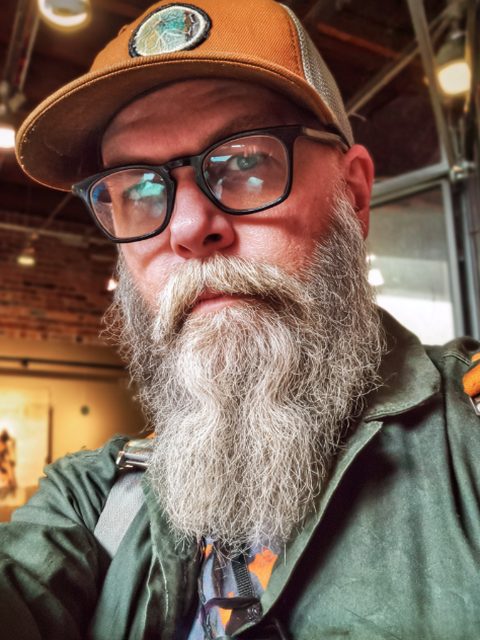
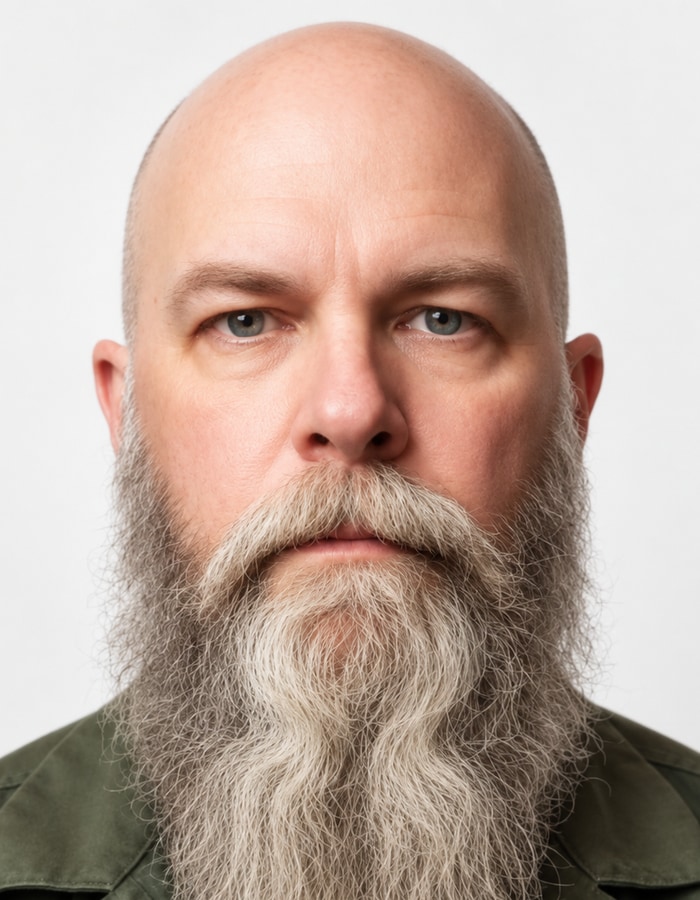
Frequently asked questions
What size is an Indian passport photo for online upload?
Passport Seva guidance specifies 630 × 810 pixels in colour, with the face covering 80–85% of the photo on a white background. Paper applications and some missions can have separate requirements.
Can I take my Indian passport photo with my phone?
The key rule is that the photo is unaltered. A phone photo processed by an AI tool may not meet that rule, so check the portal’s instructions before using one.
What background colour is required?
Plain white.
Can I wear glasses in an Indian passport photo?
Tinted glasses and glare on lenses are not suitable; removing glasses is the safer choice for a clear, evenly lit face.
Can I use a VisaPhoto portrait for an Indian passport?
VisaPhoto creates an AI-assisted portrait sized to 630 × 810 pixels, while Passport Seva guidance asks for an unaltered photo. Check whether your route permits it before you submit; VisaPhoto does not measure face area directly and cannot promise acceptance.
Official sources
Sources checked on 2026-09-20.