
Canada passport photo size and requirements
A Canadian paper passport application needs two identical 50 × 70 mm photos taken within the last 6 months, with 31–36 mm from the chin to the crown. A commercial photographer or photo studio must take them and print them professionally. Altered photos, including AI edits, and home prints are not accepted.
Photo size & positioning
Photo requirements
- Photo size
- 50 × 70 mm; two identical prints
- Pixels
- 591 × 827 px at 300 DPI
- Head height
- 31–36 mm from chin to anatomical crown
- Background
- Plain white or light-coloured
- Recency
- Taken within 6 months before you apply
- Photographer
- Taken and professionally printed by a commercial photographer or studio; no home prints
- Back of the photo
- Photographer or studio details, the date and the required guarantor information
- Glasses and expression
- Mouth closed, no smile or frown; eyes clearly visible with no glare on glasses
Photo rules
- Keep your mouth closed and do not smile or frown.
- Your eyes must be open and clearly visible, with no glare on glasses.
- Head coverings worn daily for religious or medical reasons are allowed if your full face is visible.
- Lighting must be uniform, with no shadows, glare or flash reflections.
- Photos must not be altered in any way, including with editing software, filters or AI tools.
- Photos printed at home or on heavyweight paper are not accepted.
Common reasons for rejection
- Photo altered with editing software, filters or AI tools
- Printed at home instead of by a commercial studio
- Head outside the 31–36 mm chin-to-crown range
- Shadows, glare or flash reflections
- Missing photographer details or date on the back
- The two prints are not identical
3 steps with VisaPhoto
- 1
Upload a selfie
Take a clear, front-facing photo with your phone and upload it.
- 2
Generate and check
AI creates a portrait in this format; framing and image quality are checked.
- 3
Review and download
Compare the result with the official rules, then download your JPEG files.
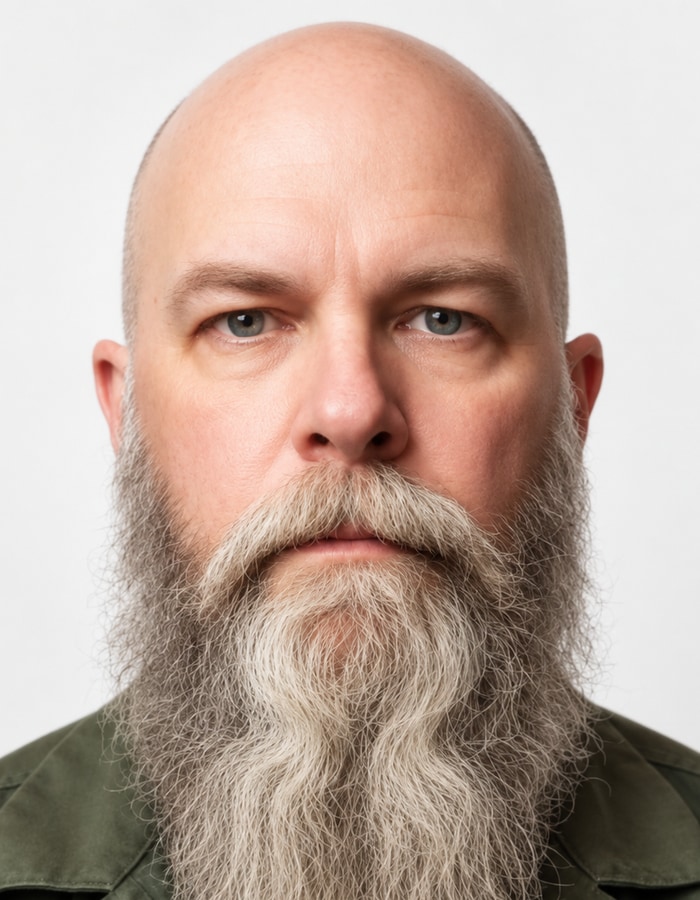
Example

Frequently asked questions
What size is a Canadian passport photo?
50 × 70 mm, with 31–36 mm from the chin to the crown of the head. At 300 DPI that is 591 × 827 pixels. You need two identical prints.
Can I take a Canadian passport photo with my phone?
Not for the paper application: a commercial photographer or photo studio must take the photos in person and print them professionally. Online renewal has its own digital photo instructions, separate from this print format.
What background colour is required?
Plain white or light-coloured, with a clear difference between your face and the background.
Can I wear glasses in a Canadian passport photo?
Glasses are allowed if your eyes are clearly visible and there is no glare on the lenses.
Can I use a VisaPhoto portrait for my Canadian passport?
Not as the photo you submit. IRCC rejects altered photos, including AI edits, and VisaPhoto creates an AI-assisted portrait. You can use the template to see the 50 × 70 mm size and head framing, then have a commercial photographer take your photos.
Official sources
Sources checked on 2026-09-20.