
US visa photo requirements for the digital upload
The US visa application takes a square digital JPEG rather than a printed photo. The Department of State sets 600–1200 pixels per side, a file of at most 240 kB and a head, including hair, that fills 50–69% of the image. VisaPhoto exports a 600 × 600 pixel file for this upload.
Photo size & positioning
Photo requirements
- Image size
- Square, from 600 × 600 to 1200 × 1200 px
- VisaPhoto export
- 600 × 600 px
- File
- JPEG, at most 240 kB, 24-bit colour, compression at most 20:1
- Head height
- 50–69% of the image, including hair
- Eye position
- 56–69% of the image height, measured from the bottom
- Background
- Plain white or off-white
- Recency
- A recent photo that shows your current appearance
- Glasses and expression
- No glasses; neutral expression with both eyes open
- Physical size
- None set for the digital upload
Photo rules
- Face the camera directly with a neutral expression and both eyes open.
- Remove your glasses: the Department of State does not allow them in visa photos, except in rare medical cases.
- Wear a hat or head covering only for religious or medical reasons, with your full face visible.
- Light your face evenly so there are no shadows on the face or the background.
- Keep the photo in colour and do not apply filters or retouching.
- Centre your head so the full head and the top of the shoulders are visible.
Common reasons for rejection
- Head smaller than 50% or larger than 69% of the image
- File over 240 kB or an image that is not square
- Glasses in the photo
- Shadows on the face or the background
- Background that is not white or off-white
- Blurry, dark or over-compressed image
3 steps with VisaPhoto
- 1
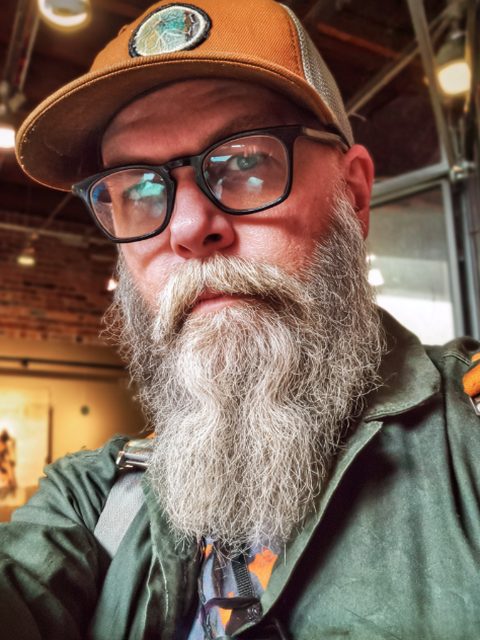
Upload a selfie
Take a clear, front-facing photo with your phone and upload it.
- 2
Generate and check
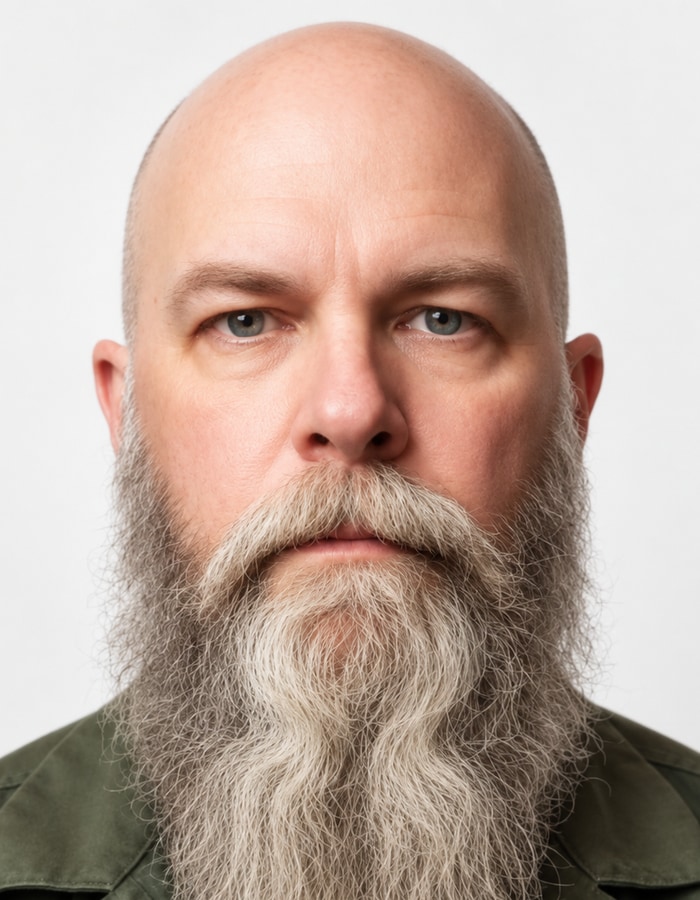
AI creates a portrait in this format; framing and image quality are checked.
- 3
Review and download
Compare the result with the official rules, then download your JPEG files.
Example
Frequently asked questions
What size is a US visa photo?
The digital photo must be square, between 600 × 600 and 1200 × 1200 pixels, and at most 240 kB. VisaPhoto exports 600 × 600 pixels, which sits within that range.
Can I take my US visa photo with my phone?
You can start from a clear phone selfie taken in soft, even light, facing the camera without glasses or filters. VisaPhoto turns it into a square portrait with a plain background and checks the framing.
What background colour is required?
Plain white or off-white, with no pattern or shadows behind you.
Can I wear glasses in a US visa photo?
No. The Department of State does not allow glasses in visa photos, except in rare medical cases.
Can I use a VisaPhoto portrait for a US visa?
VisaPhoto creates an AI-assisted portrait from your selfie and checks its framing and image quality against the Department of State’s published sizes. It cannot promise acceptance, so compare the result with the requirements before you apply.
Official sources
Sources checked on 2026-09-20.