
US passport photo size and requirements
A US passport application on paper needs one 2 × 2 inch photo taken within the last 6 months, with 1–1⅜ inches from the chin to the top of the head. The Department of State requires an original, unedited photograph and prohibits AI alterations. Read the caution below before using any AI-assisted portrait for this route.
Photo size & positioning
Photo requirements
- Photo size
- 2 × 2 inches (51 × 51 mm)
- Pixels
- 600 × 600 px at 300 DPI (exactly 2 × 2 inches when printed)
- Head height
- 1–1⅜ inches (25–35 mm) from chin to top of head
- Background
- Plain white or off-white
- Recency
- Taken within the last 6 months
- Editing
- Original, unedited photo; AI alterations are prohibited
- Glasses and expression
- No glasses; eyes open and full face visible
- Route
- Paper application; online renewal uses different upload instructions
Photo rules
- Submit an original photo without editing, filters or AI changes.
- Remove your glasses for the photo.
- Face the camera with your eyes open and your full face visible.
- Wear a head covering only for religious or medical reasons, with the full face visible.
- Use even light so there are no shadows on your face or the background.
- Print on photo-quality paper at exactly 2 × 2 inches, without scaling.
Common reasons for rejection
- Photo edited with filters, retouching or AI
- Head smaller than 1 inch or larger than 1⅜ inches
- Glasses in the photo
- Shadows on the face or the background
- Photo older than 6 months or not showing your current appearance
- Print that is not exactly 2 × 2 inches
3 steps with VisaPhoto
- 1
Upload a selfie
Take a clear, front-facing photo with your phone and upload it.
- 2
Generate and check
AI creates a portrait in this format; framing and image quality are checked.
- 3
Review and download
Compare the result with the official rules, then download your JPEG files.
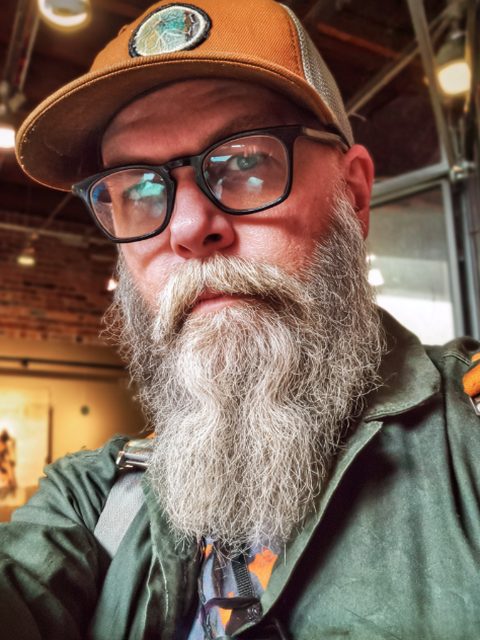
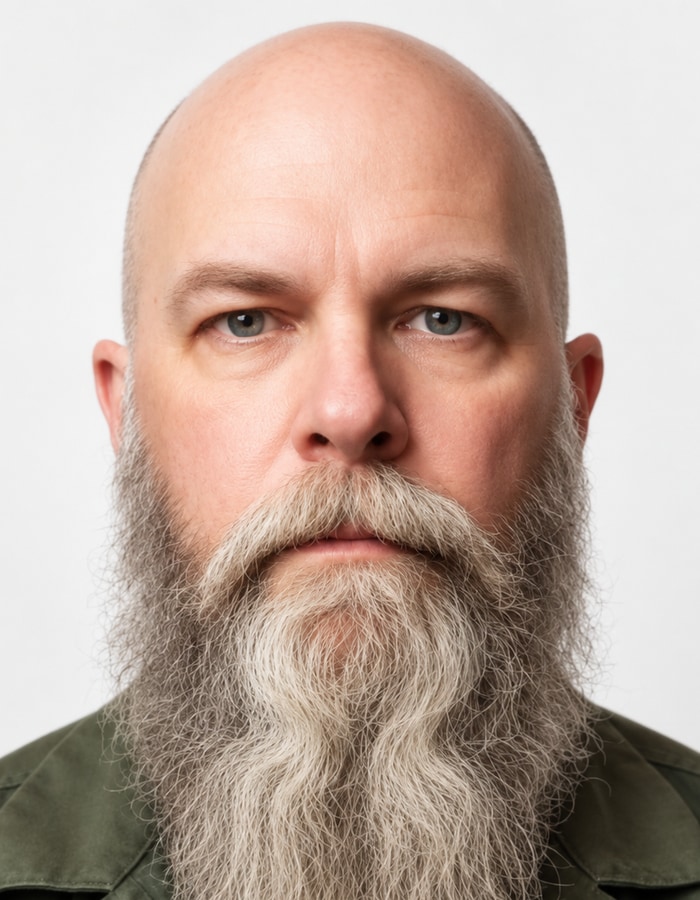
Example
Frequently asked questions
What size is a US passport photo?
2 × 2 inches (51 × 51 mm), with 1–1⅜ inches from the chin to the top of the head. At 300 DPI that is 600 × 600 pixels.
Can I take my US passport photo with my phone?
The rule that matters is that the photo stays original and unedited: no filters, retouching or AI changes. A phone picture that has been processed by an AI tool no longer meets that rule.
What background colour is required?
Plain white or off-white, with no shadows or pattern.
Can I wear glasses in a US passport photo?
No. Remove your glasses for a US passport photo.
Can I use a VisaPhoto portrait for my US passport?
VisaPhoto creates an AI-assisted portrait, and US passport guidance prohibits AI alterations. Do not submit it as your passport photo unless the Department of State allows it; you can use it as a reference for the 2 × 2 inch size and head framing.
Official sources
Sources checked on 2026-09-20.